
Last updated:
Start
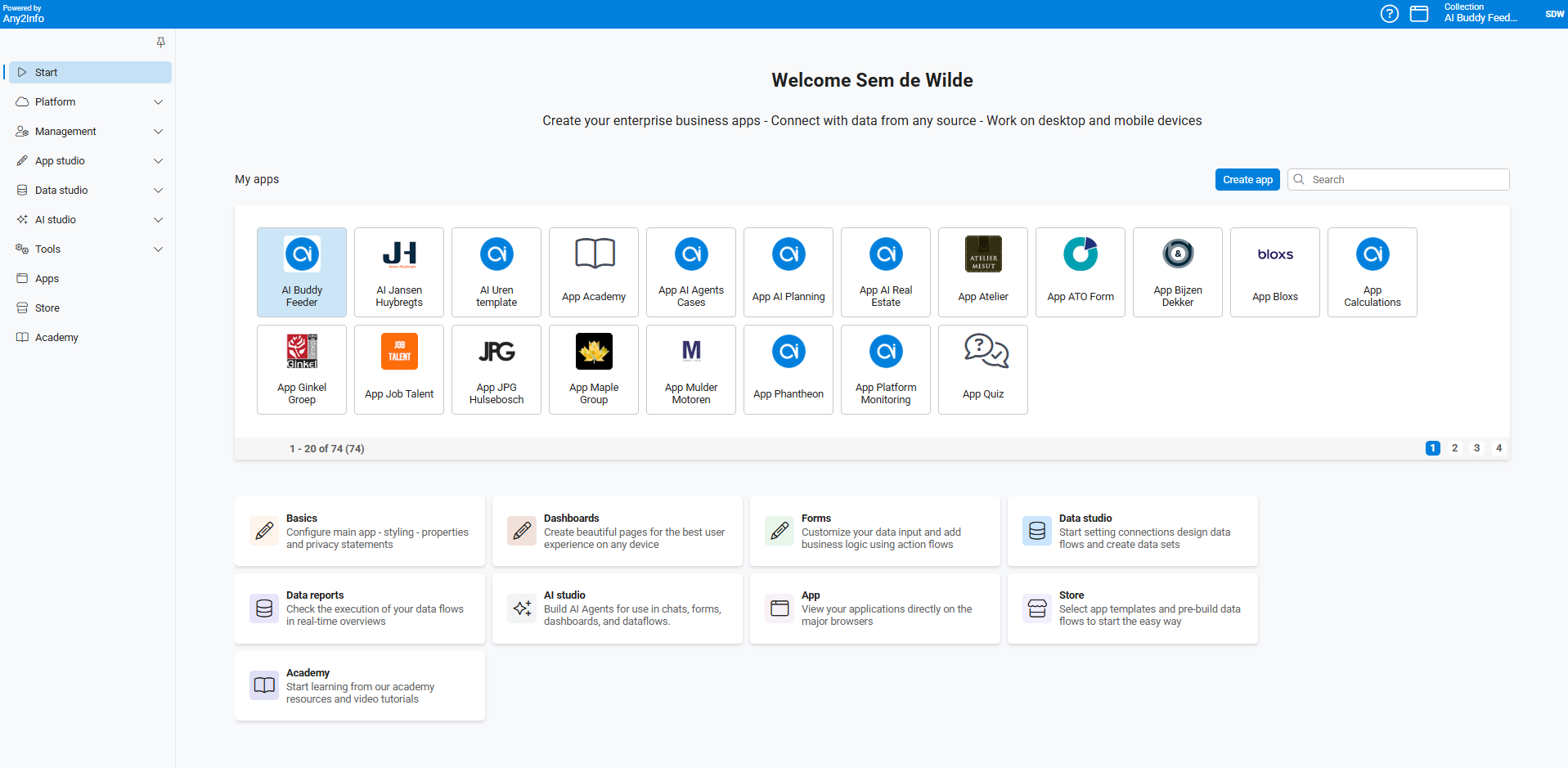
A collection is where everything starts. After you create a new app, or when you open an existing one, choose the collection you want to work in. Every module of the platform stays locked until a collection is selected and activated.
Compact collection view
Section titled “Compact collection view”If you work with many collections, enable a compact overview via Profile → Preferences → Studio settings → Compact collection. Once enabled, select Collections next to your profile in the top right of the main bar to open the compact panel.
Multiple collections in one app
Section titled “Multiple collections in one app”A single (company) app, whether published in the app stores or available on desktop via a URL, can contain several collections. Each collection has its own authorized users and its own functionality, so one app can serve very different groups of users depending on which collection they work in.